01 Problem 02 Research 03 Synthesis 04 Final UI 05 Impact
Live · Mobile Design

Making workplace culture engagement accessible on the go.

Organizations often struggle to embed culture into everyday workflows. OnCulture was built to help teams strengthen workplace culture, foster recognition, and align everyone across the organization through a seamless, mobile-first digital platform.

Mobile Design Responsive Systems Cross-Functional Collaboration
Visit Live Site
Year2024
CompanyThe People Practice
RoleCreative Designer
StatusLive
Making workplace culture engagement accessible on the go cover
01

The Problem

Embedding culture into daily workflows is difficult, and engagement tools were fragmented, making adoption challenging.

Mobile experience across existing platforms was often poor, which limited accessibility and day-to-day participation for employees who aren't at a desk.

  • Build a seamless, mobile-first culture engagement platform
  • Support recognition and alignment across the organization
  • Design smooth workflows for onboarding, recognition, dashboards, and courses
  • Maintain consistency and scalability across mobile and desktop
02

Research

This one wasn't driven by formal interviews. It came out of observing how OnCulture was actually being used while working on it at The People Practice.

OnCulture started out as a desktop tool, but it carried both an e-learning platform and employee engagement tools inside it. The restriction became obvious: employees needed to complete courses, get recognition, and stay engaged throughout their day, not just when they happened to be sitting at a laptop or desktop.

  • Direct observation of OnCulture's usage at The People Practice
  • Product scope: e-learning + employee engagement bundled together
  • Core constraint identified: desktop-only access limited daily engagement
03

Synthesis

The insight that shaped the whole direction was simple: employees shouldn't need to be at a desk to stay engaged with their workplace culture or their learning.

That meant treating mobile as the primary surface rather than an afterthought, and making sure recognition, dashboards, onboarding, and courses all worked as well on the go as they did on desktop.

  • Employees need access on the go, without a laptop or desktop
  • Mobile-first, not a scaled-down desktop experience
  • Recognition, dashboards, onboarding & courses need parity across devices
04

Final UI

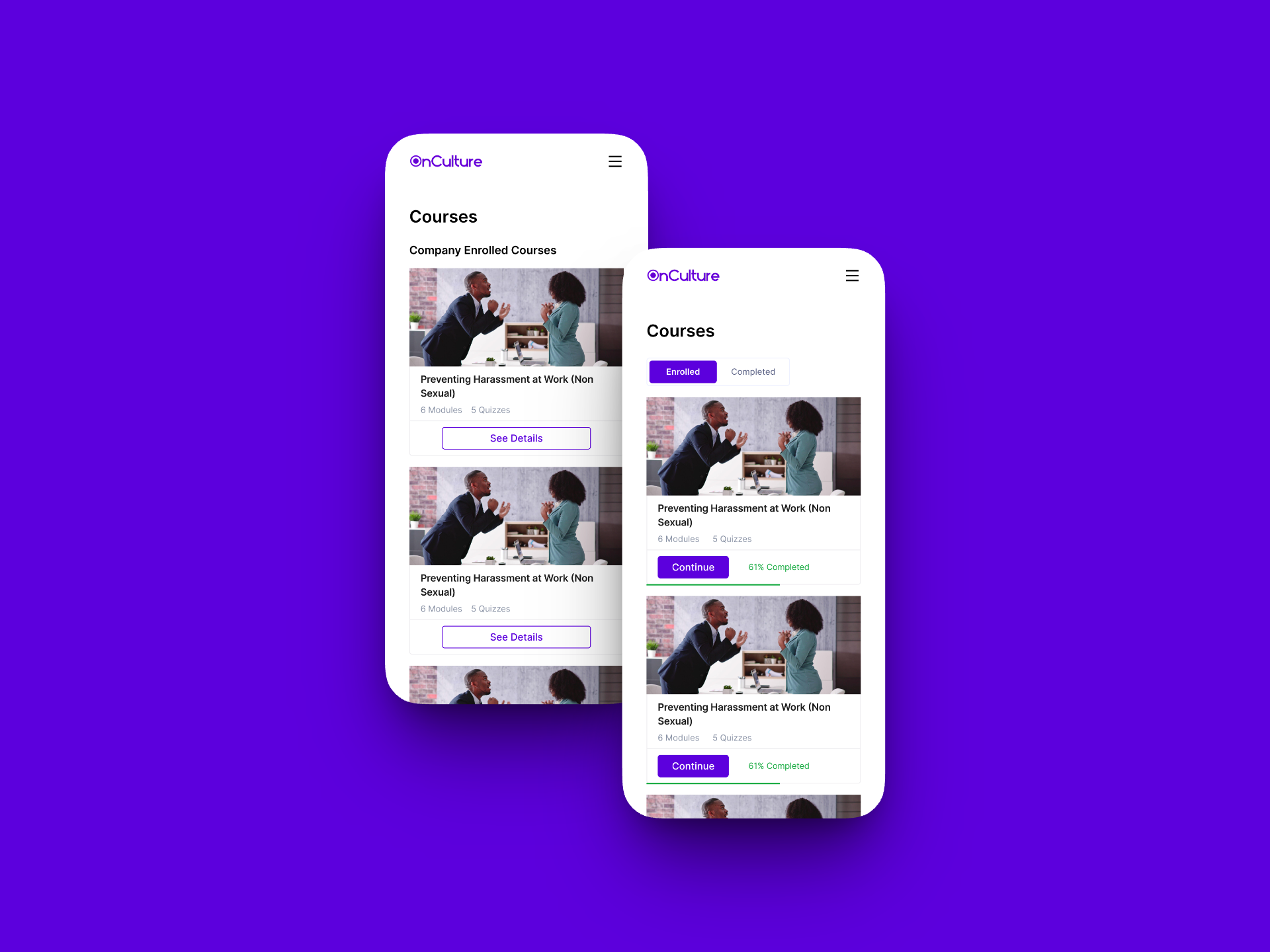
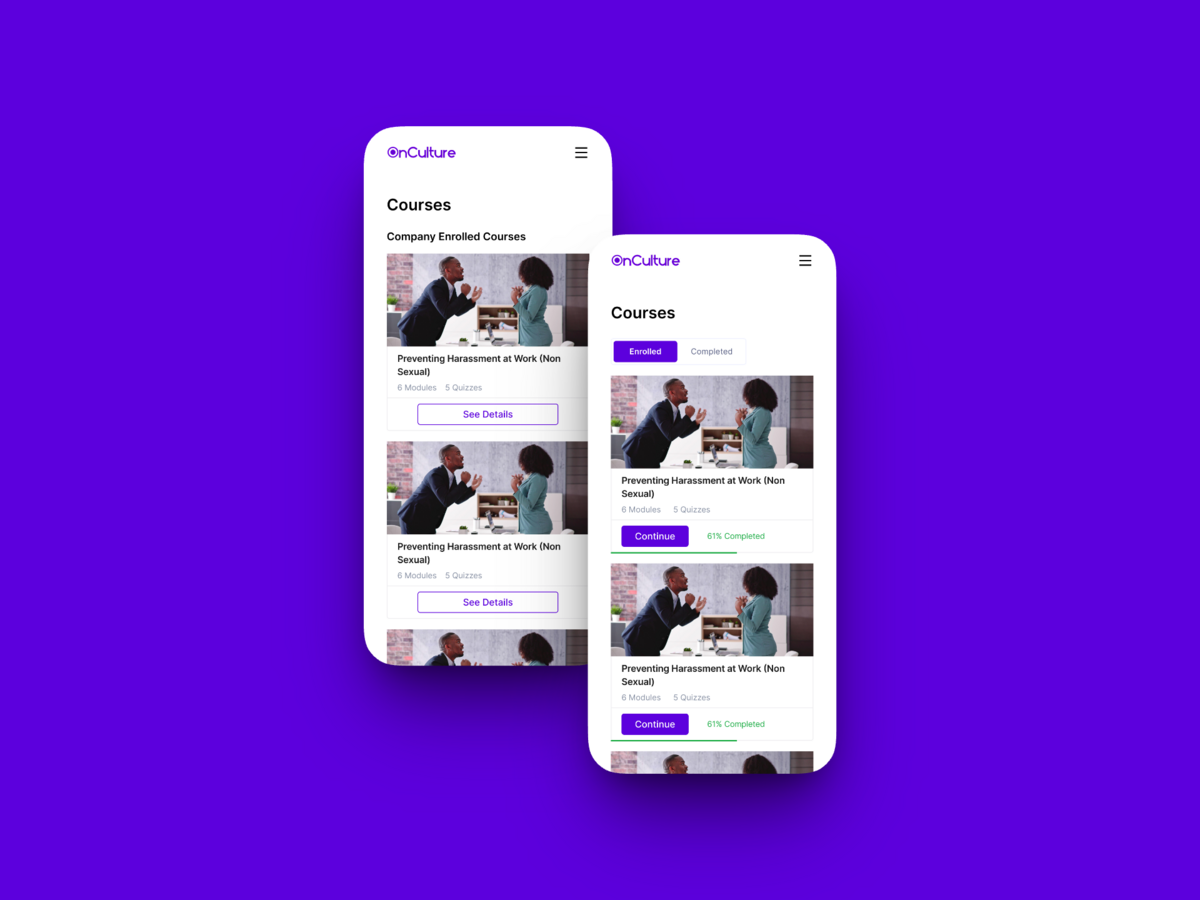
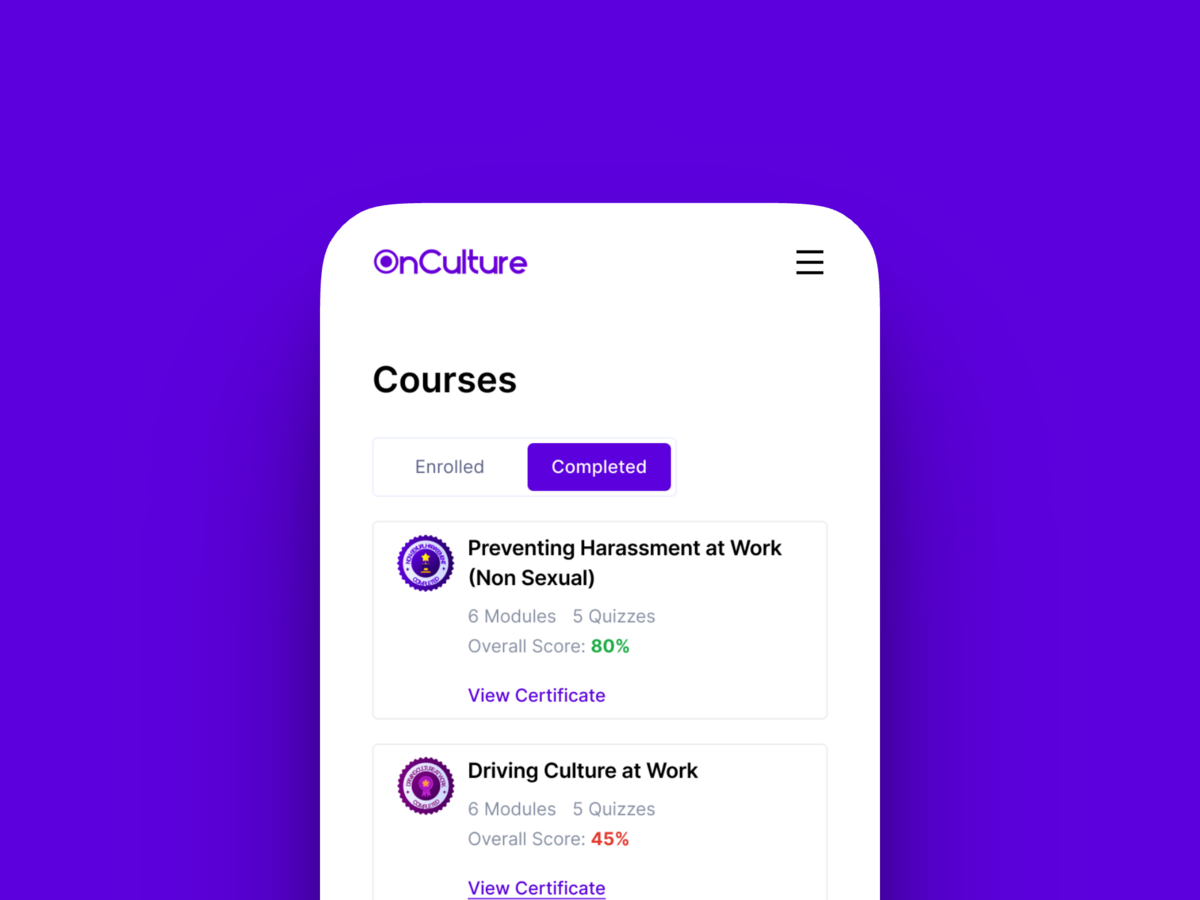
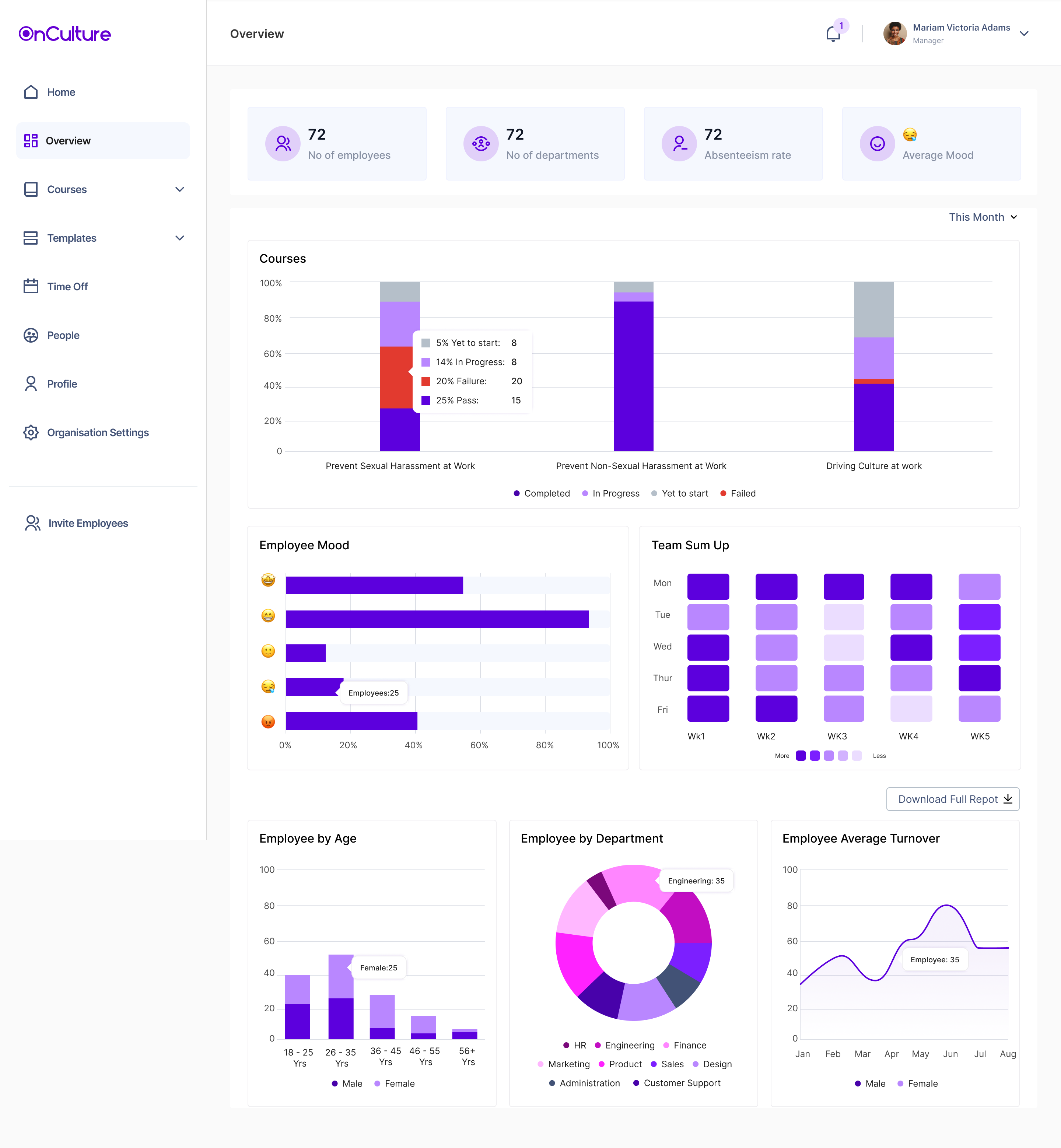
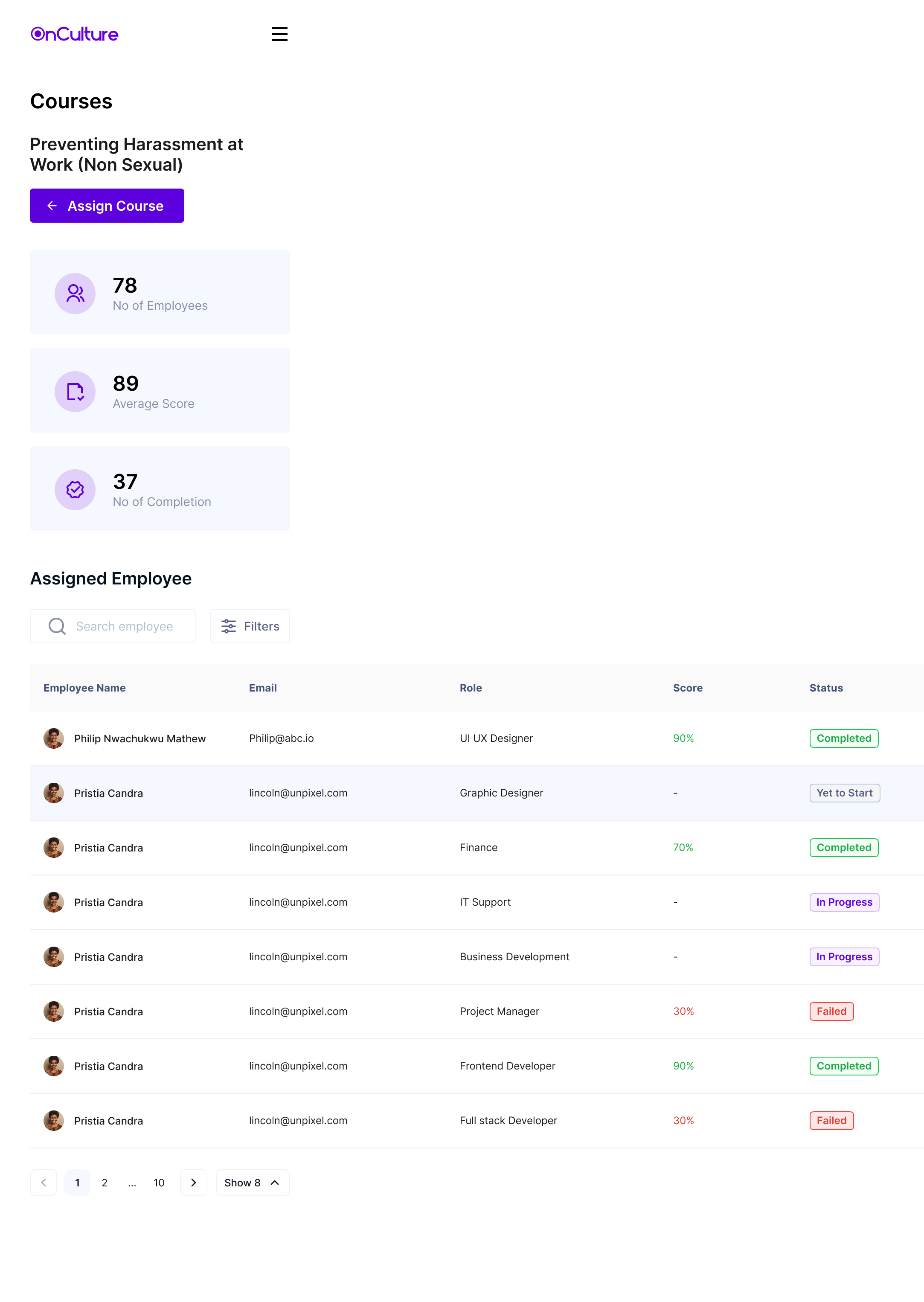
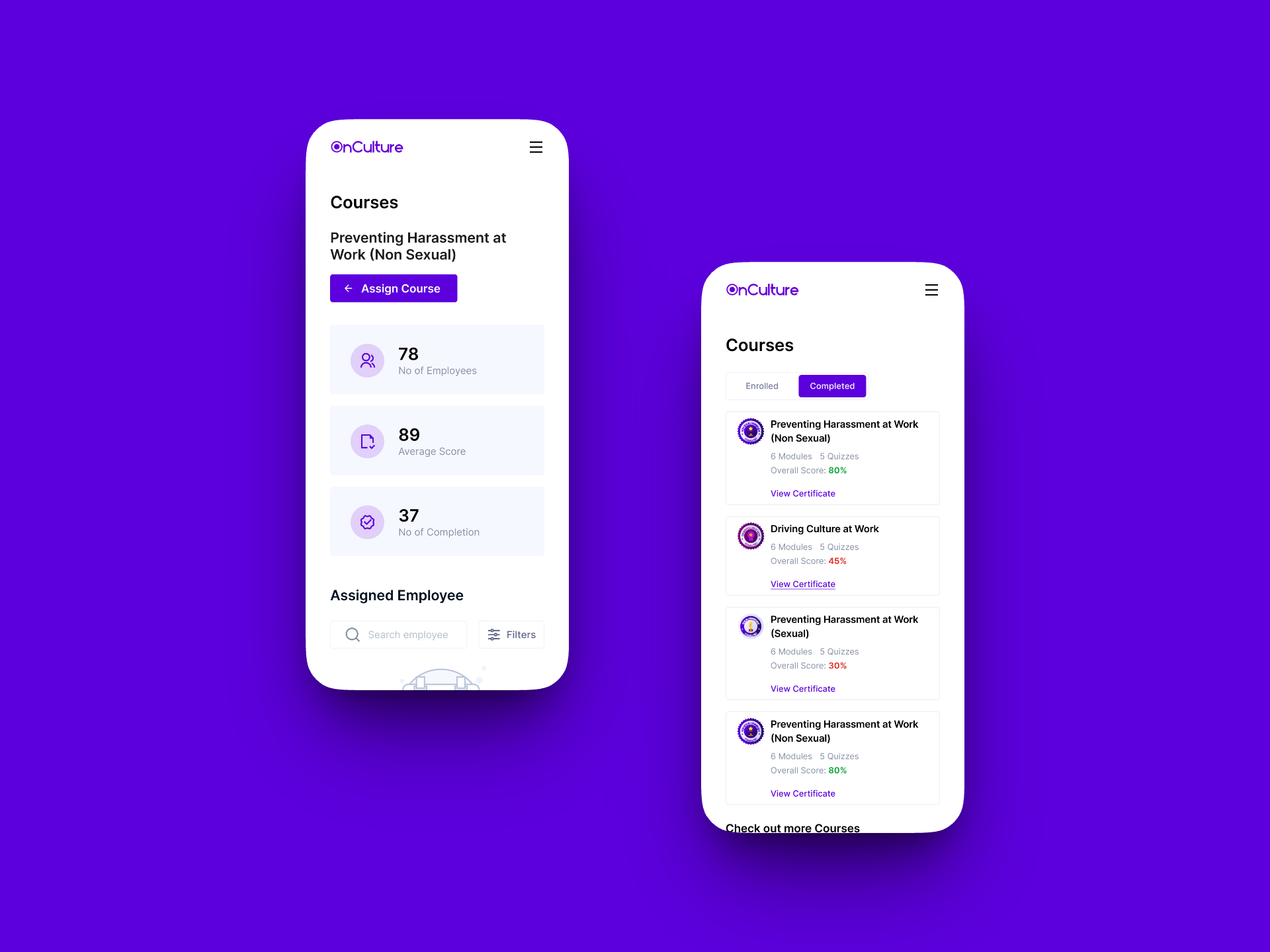
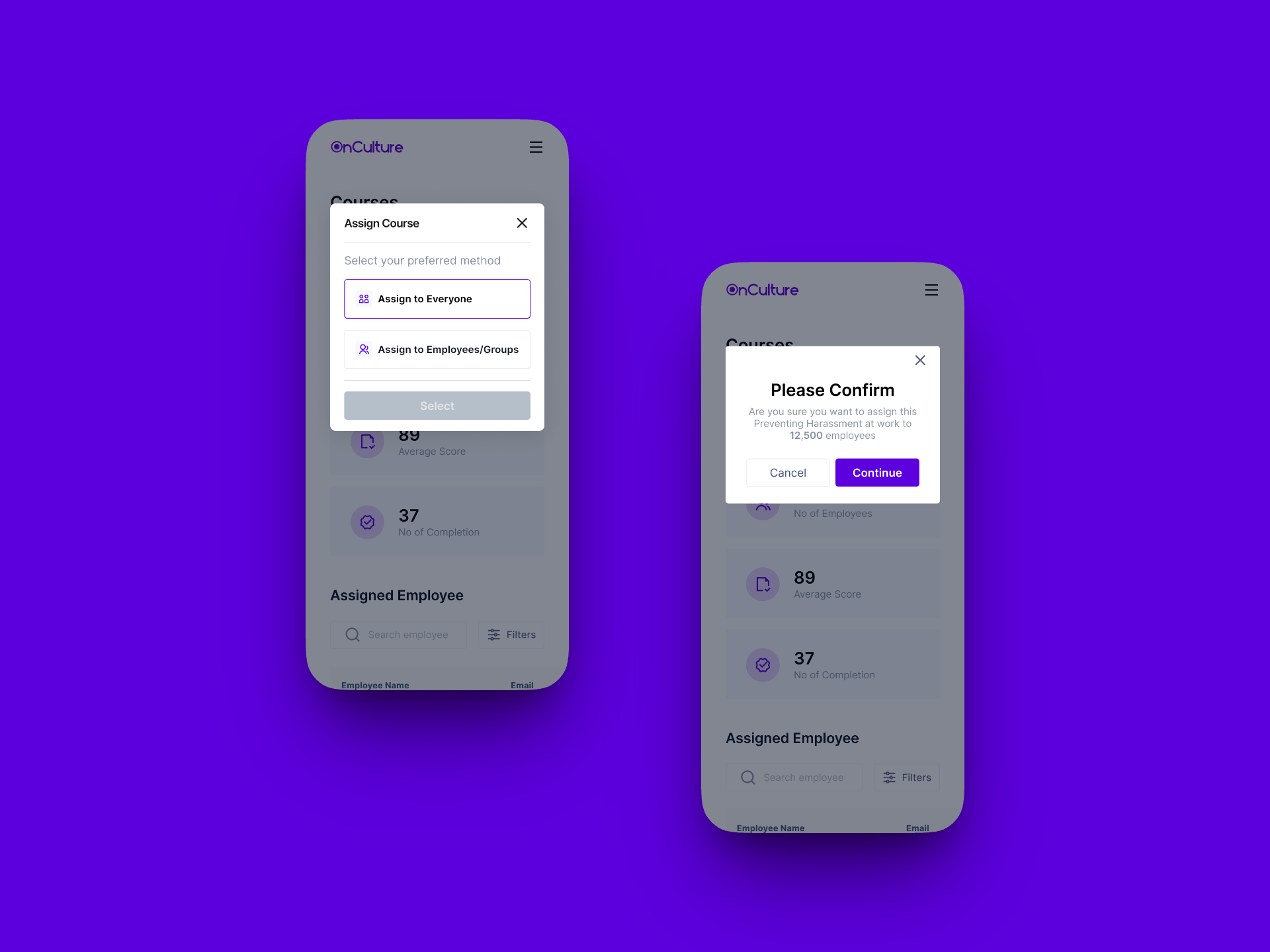
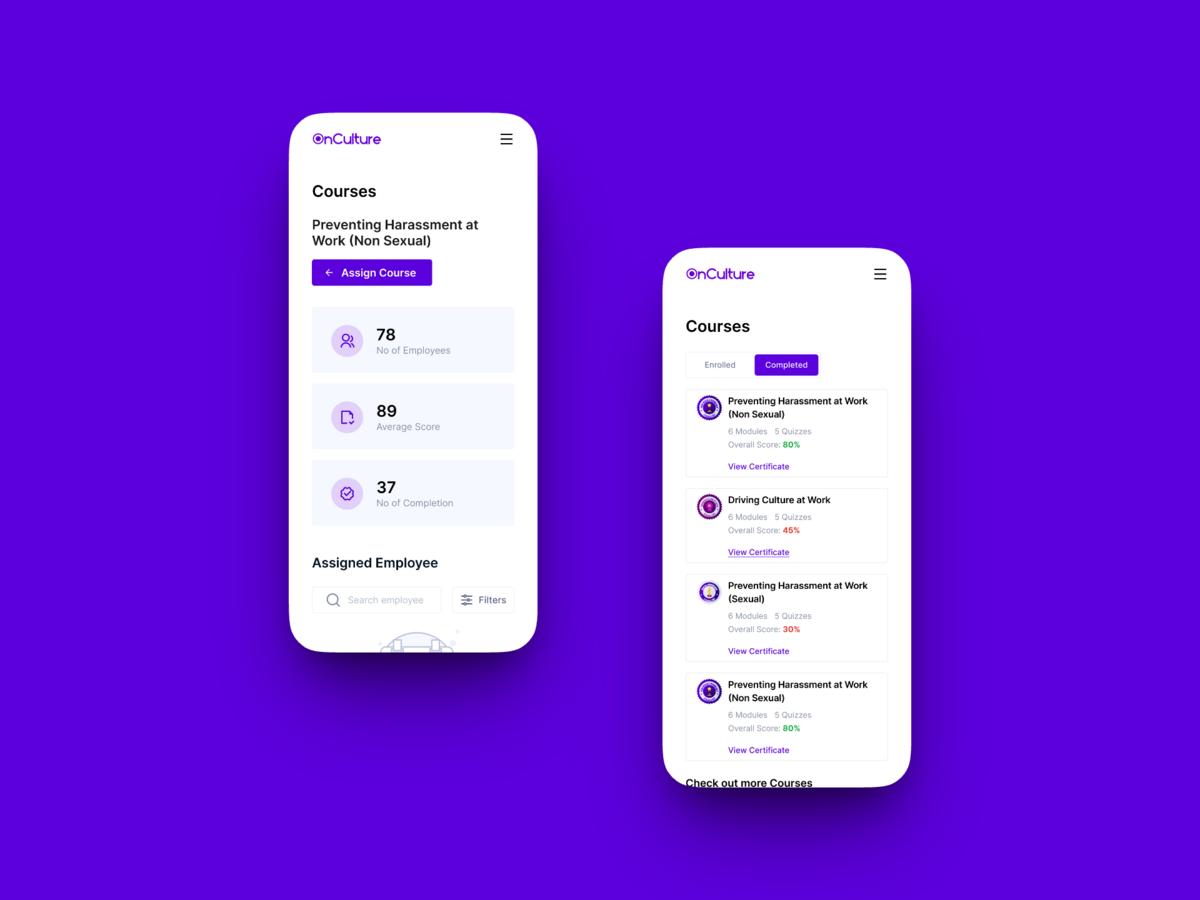
Split by the two experiences I owned end to end: the employee's mobile learning app, and the admin's desktop dashboard for managing training across the org.

My Role

As Creative Designer at The People Practice, I owned the mobile experience for OnCulture end-to-end — designing the onboarding, recognition, dashboard, and course workflows — while supporting key desktop workflows alongside my supervisor.

Part of the job was making sure the mobile experience I owned and the desktop screens designed in collaboration with my supervisor still felt like one coherent, consistent product across devices.

Collaboration & Handoff

Owned the mobile experience while a senior designer overseeing the project handled desktop, both working from the same component patterns and design language. Regular reviews before handoff kept spacing, typography, interactions, and key UI patterns consistent across both experiences.

05

Business Impact

Reflection

OnCulture pushed me to think about design consistency across a team hierarchy — not every project gives you full ownership, and part of the challenge was making sure the mobile experience I owned and the desktop screens my supervisor led still read as one coherent product.

That's shaped how I approach shared design systems now: agree on the shared visual and interaction language first, then let each surface flex within it rather than trying to control every screen directly.

More Work